
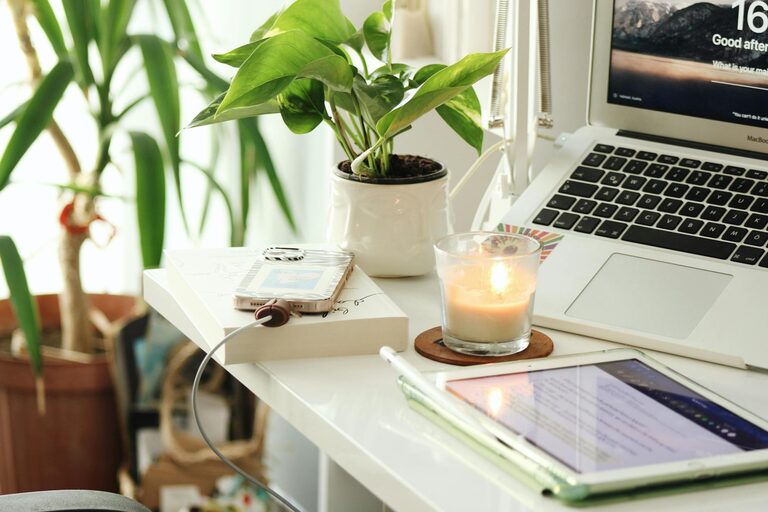
Creating a home office that feels both cozy and productive is key to making the most of your work-from-home experience. Whether you’re spending a few hours or all day in your workspace, the environment you build can affect your focus, efficiency, and overall well-being. This guide provides practical tips to help you design an inviting and effective home office.
Why a Cozy and Productive Space Matters
Working from home blends personal and professional life, making it important to create clear boundaries between the two. A comfortable space helps reduce stress and fatigue, while a well-organized and thoughtfully designed setup boosts motivation and productivity. When your workspace feels welcoming, it’s easier to settle in and get things done.
Choose the Right Location
Natural Light is Essential
Locate your office near a window if possible. Natural light not only improves mood but also reduces eye strain and headaches. Position your desk to take advantage of daylight, but avoid glare on your computer screen.
Consider Noise Levels
Choose a quiet spot where interruptions will be minimal. Homes with multiple occupants can benefit from rooms with doors or using noise-cancelling headphones to maintain focus.
Space to Move
Pick a location that allows enough room for your desk, chair, and any additional equipment. Having space to stretch or move is important for comfort during long work sessions.
Invest in Comfortable Furniture
Ergonomic Chair
A good chair supports your back, encourages proper posture, and adjusts to your height. Comfort here prevents aches and keeps you alert.
Functional Desk
Select a desk with enough surface area to hold your computer, documents, and accessories without clutter. Consider adjustable desks if you want to alternate between sitting and standing.
Additional Storage
Shelves, drawers, or filing cabinets help keep your workspace tidy, making it easier to find what you need and reducing distractions.
Personalize Your Space
Add Soft Textiles
Consider a cozy rug, cushions, or a throw blanket. These elements make the room feel inviting and can help dampen noise.
Include Plants
Small indoor plants add life and improve air quality. They also create a calming atmosphere that can enhance concentration.
Display Meaningful Items
Photos, artwork, or motivational quotes contribute personality and positivity, making the space uniquely yours.
Optimize Lighting
Layer Your Lighting
Combine ambient light with task lighting such as desk lamps. Adjustable lamps allow you to focus light precisely where you need it.
Choose the Right Bulbs
Use bulbs that mimic natural daylight for the best effect. Avoid overly harsh or dim lighting to reduce eye strain.
Keep it Organized
Declutter Regularly
Clear your desk at the end of each day to maintain a fresh start. This habit minimizes distractions and saves time.
Use Organizers
Desk trays, pen holders, and cable management tools keep supplies orderly. Digital tools like apps or calendars help manage tasks and deadlines.
Create Zones
Divide your workspace into areas for different activities—such as computer work, writing, or brainstorming—to stay organized and switch tasks smoothly.
Manage Technology Efficiently
Reliable Equipment
Ensure your computer, printer, and internet connection are dependable to avoid frustrating interruptions.
Cable Control
Use clips, ties, or sleeves to keep cords neat and prevent tangling. This keeps your desk uncluttered and safe.
Backup Power
Consider an uninterruptible power supply (UPS) for important devices to avoid data loss when power outages occur.
Incorporate Healthy Habits
Take Breaks
Use reminders or timers to stand, stretch, or walk around every hour. Movement boosts energy and reduces stiffness.
Stay Hydrated and Nourished
Keep water and healthy snacks nearby. Staying fueled supports concentration.
Good Airflow
Open windows when possible or use fans and air purifiers to maintain fresh air in your workspace.
Set Boundaries and Routines
Define Work Hours
Set clear start and end times to separate work from personal life. This helps prevent burnout and maintains balance.
Communicate Clearly
Let family or roommates know your schedule and workspace rules to minimize disruptions.
Prepare for the Day
Create a morning ritual and plan your tasks to build structure and focus.
Final Thoughts
Designing a home office that combines comfort and productivity is about balancing functionality with personal comfort. Small changes like improving lighting, adding plants, investing in ergonomic furniture, and organizing your space can make a big difference. By tailoring your workspace to your needs, you can create an environment that supports your best work every day.